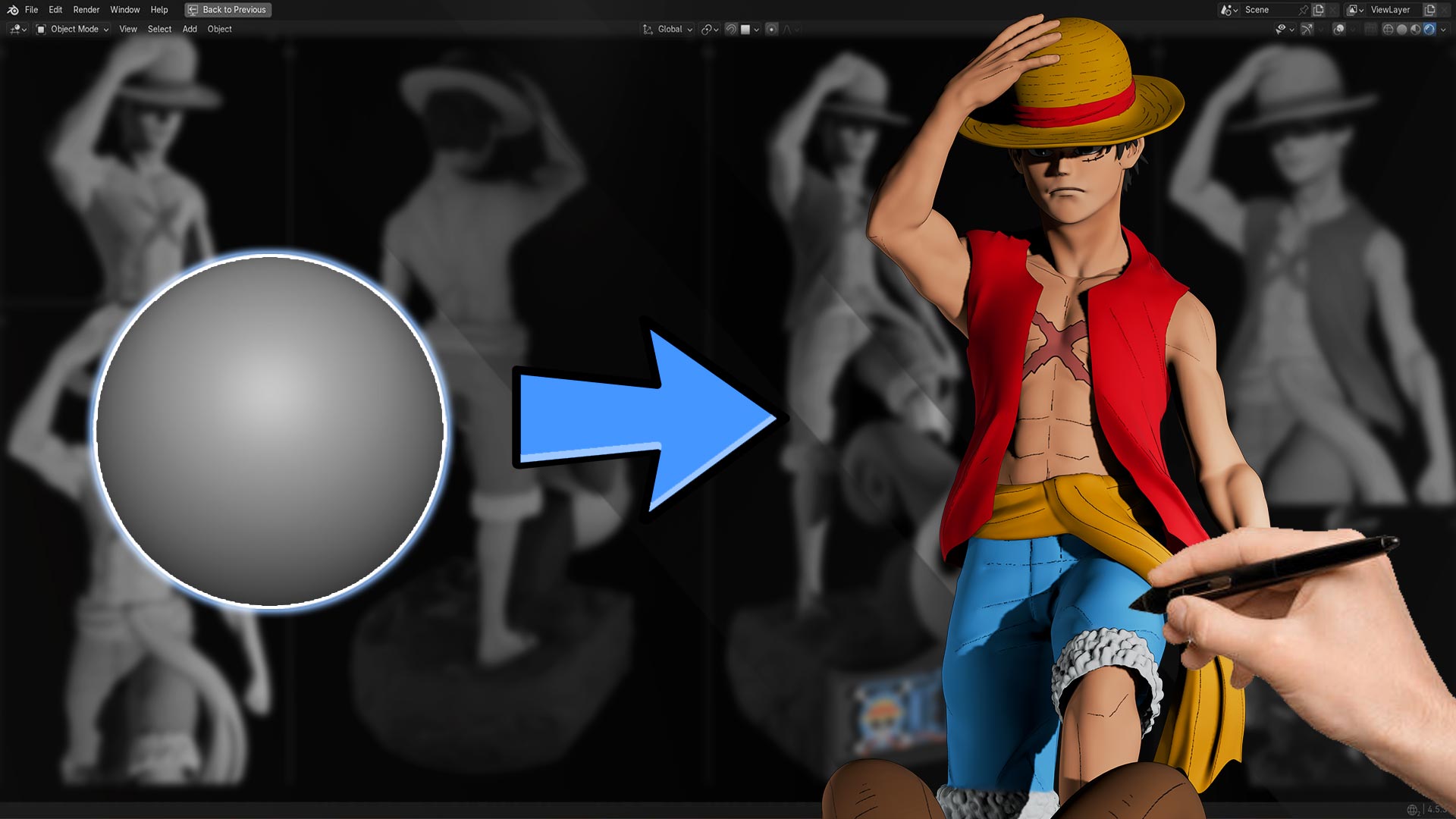
In this video feature, we dive into an exciting 3D character sculpting session where an artist brings Monkey D. Luffy, the iconic protagonist from One Piece to life using Blender . Whether you’re a Blender beginner or looking to level up your anime sculpting skills, this timelapse walkthrough gives you inspiration and insight into the creative process.
🎬 What’s Covered in the Video
The video showcases a full sculpting workflow in Blender, taking the model from rough block-in to detailed character features. Viewers can see how the artist:
- Begins with basic shapes and proportions
- Refines facial structure, anatomy, and clothing
- Adds signature details like Luffy’s straw hat and expressive features
- Uses Blender sculpting brushes and tools efficiently.
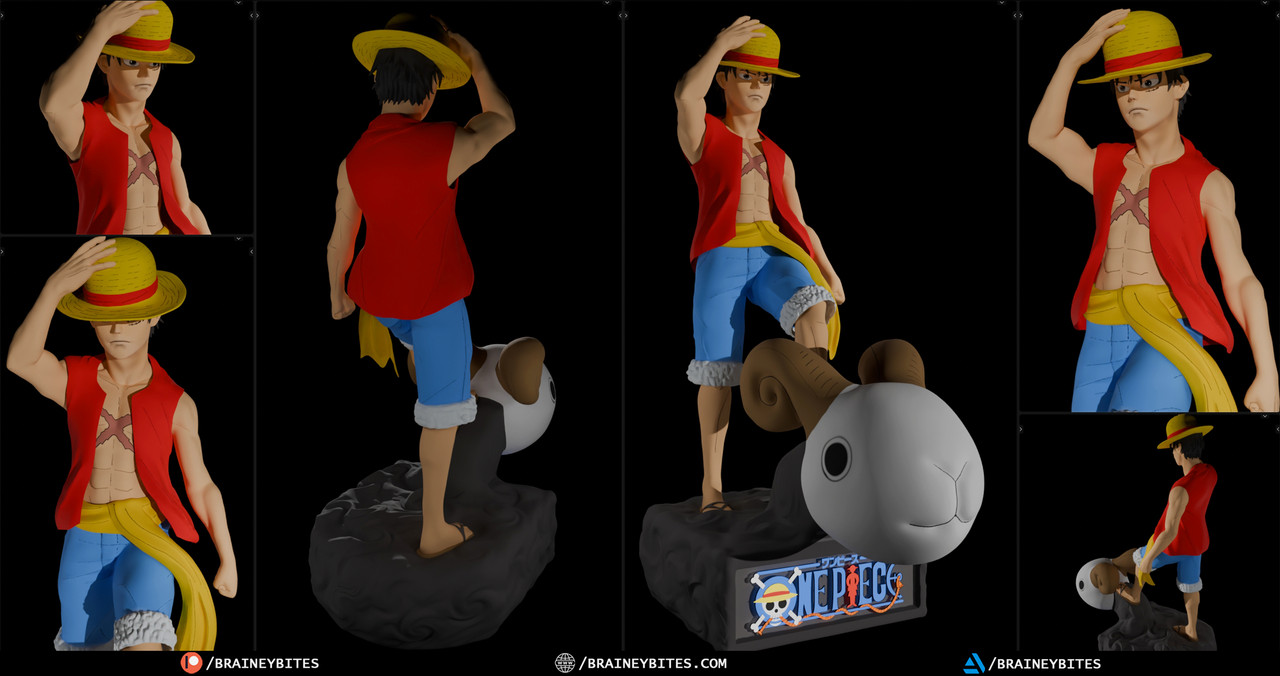
🔍 Why This Sculpt Matters
Character sculpting is a fundamental skill for 3D artists, especially if you want to create fan art, game assets, or original stylized characters. Luffy’s design, with its anime style proportions, poses unique challenges like capturing expressive facial features and a bold silhouette. Watching an expert handle these challenges can be incredibly educational.
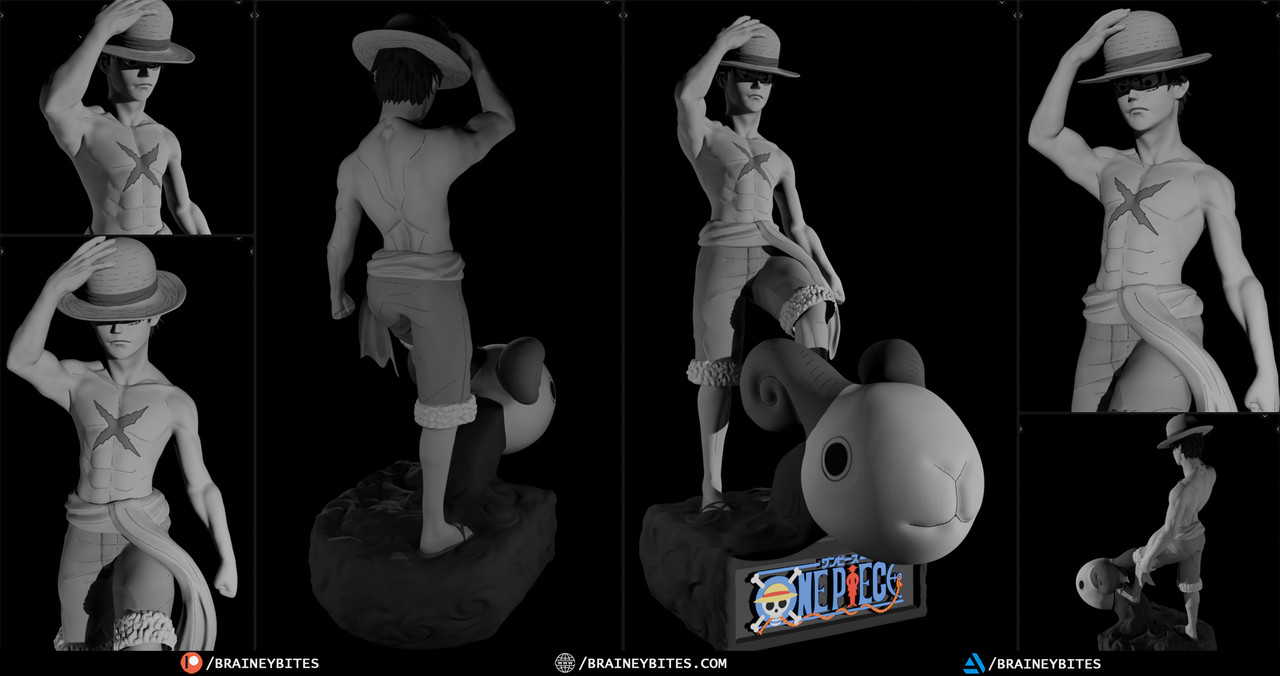
Blender’s sculpting tools have grown powerful and accessible, and tutorials like this show just how far you can push your skills. If you’re passionate about anime character sculpting, especially icons like Monkey D. Luffy, this video is a goldmine of ideas and workflow inspiration.
👉 Don’t forget to watch the full video and try following along in Blender — that hands-on practice is where real learning happens!
