Accurately tracks open and active time spent on individual .blend files with optional save history. Ideal for freelancers, professionals, and studios who want to monitor project time for billing, productivity, or analytics.
Features
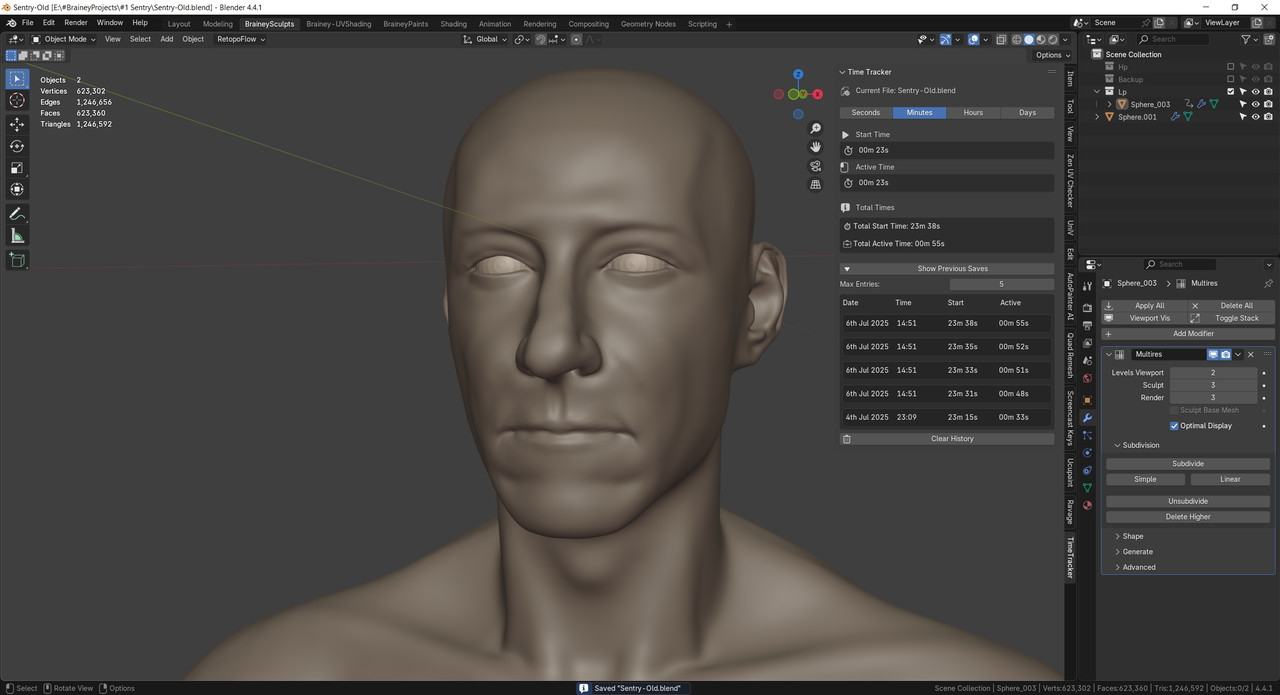
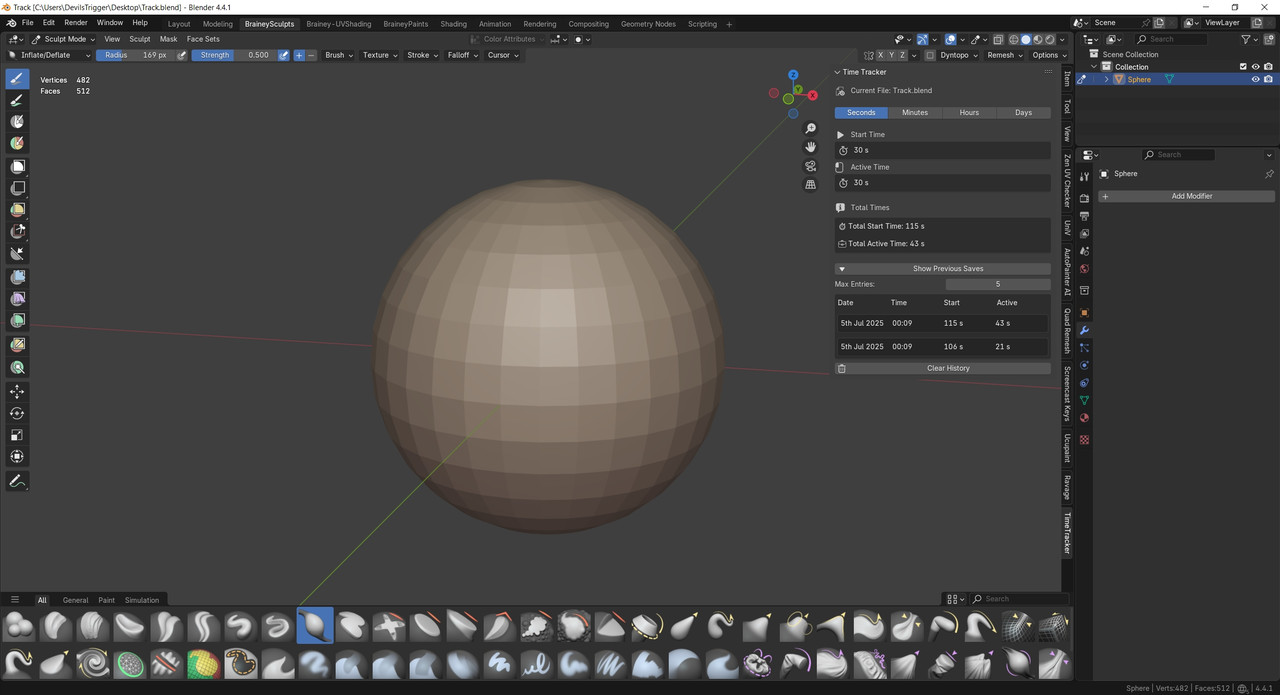
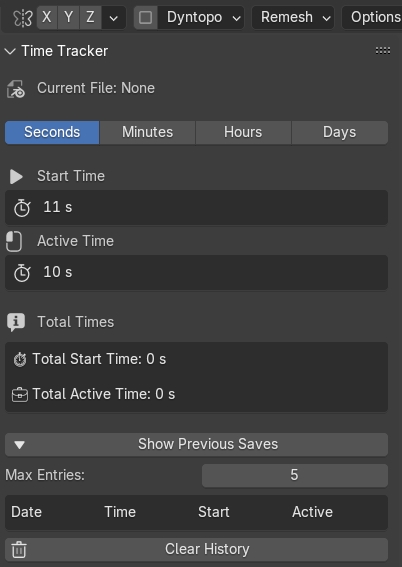
- 🔄 Automatic Time Tracking: Begins tracking time as soon as a .blend file is opened.
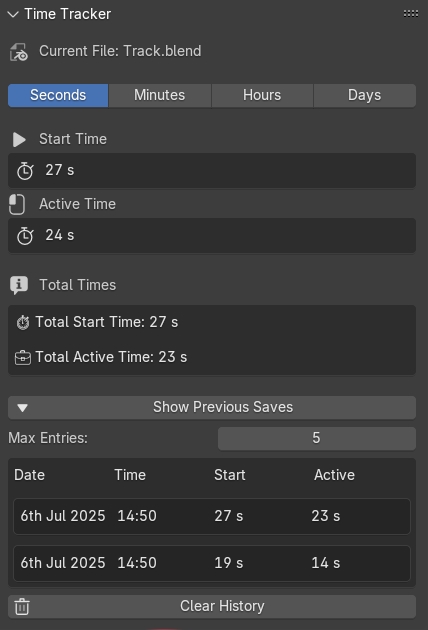
- 🖱️ Active Time Monitoring: Calculates actual user interaction time (based on mouse and keyboard activity) separate from just open time.
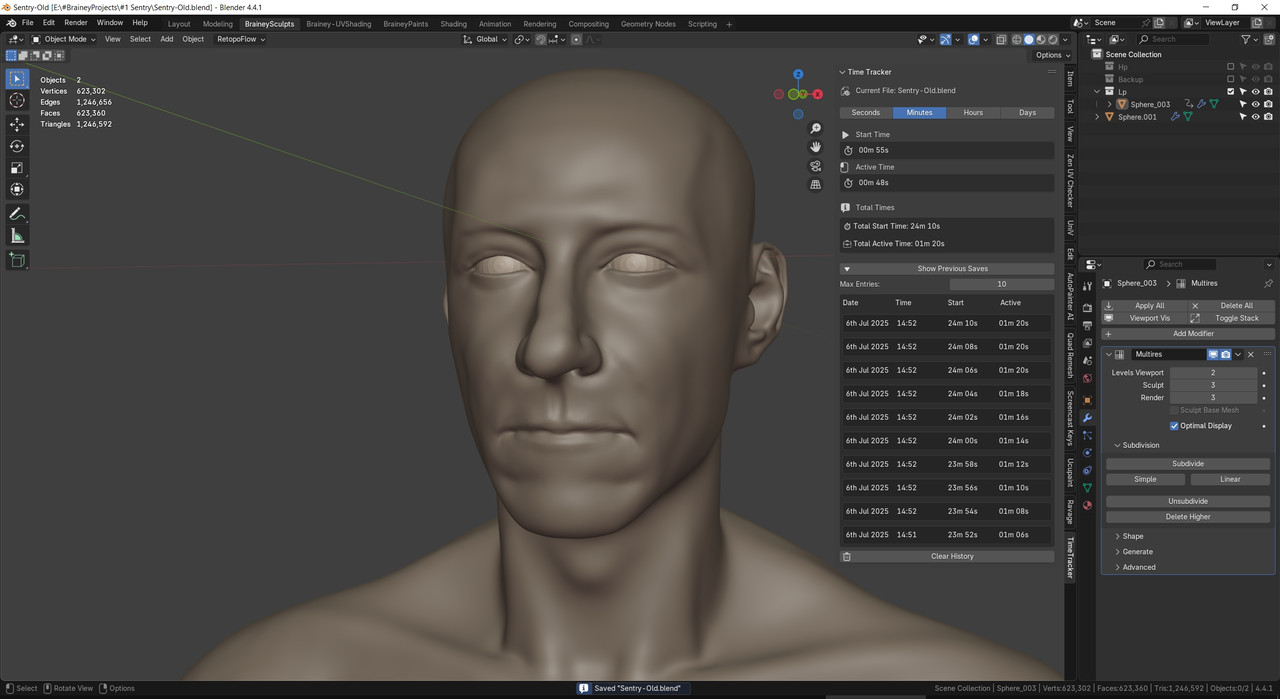
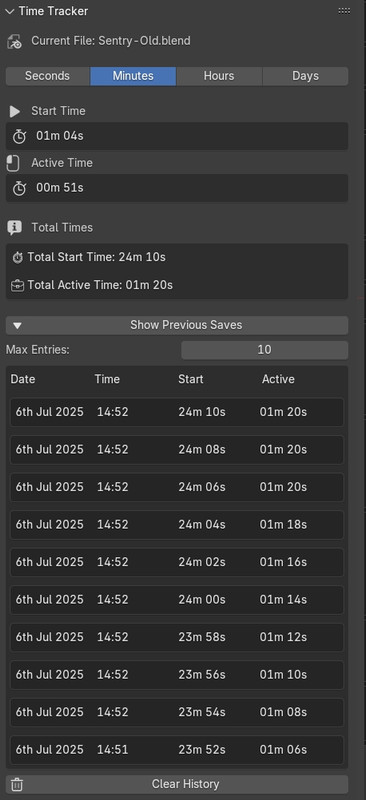
- 💾 Save History Log: Shows timestamps and durations from previous saves in a clean tabular UI.
- 📊 Custom Display Modes: Switch between seconds, minutes, hours, or days for precise or overview-based tracking.
- 🗂️ File-Specific Logs: Maintains separate logs for each .blend file, stored locally.
- 🔒 No Cloud, Fully Local: All data is stored on your local system—no external syncing, no internet required.
- 🧹 Clear Log Option: Easily reset all logs and tracked time per file.
- ⚙️ Adjustable Save History Count: User can increase how many previous saves to show (up to 100).
Permissions
- 🗃️ Reads & Writes Local Configuration Files (
time_tracker_log.json) in the user’s Blender configuration folder to store tracked time and history per file. - 🖥️ Accesses Foreground Window (Windows Only): Uses Windows API (via
ctypes) to detect whether Blender is the active window for accurate active time logging. On non-Windows platforms, assumes Blender is always active. - 🧠 Persistent Handlers: Adds file load and save handlers to log time before saving and after re-opening files.
- 🔁 Timer API Usage: Uses
bpy.app.timersand modal handlers to update panel info and refresh UI regularly.
Download this plugin from: